Many tools.
One subscription.
Every plugin below is included in Wizard — and so is every one we brew after these. Five more are single-purpose .jsx scripts, free with any account, no subscription needed. No add-ons, no per-tool checkout, no upgrade email six months from now.
Free account, no card. See Wizard pricing →







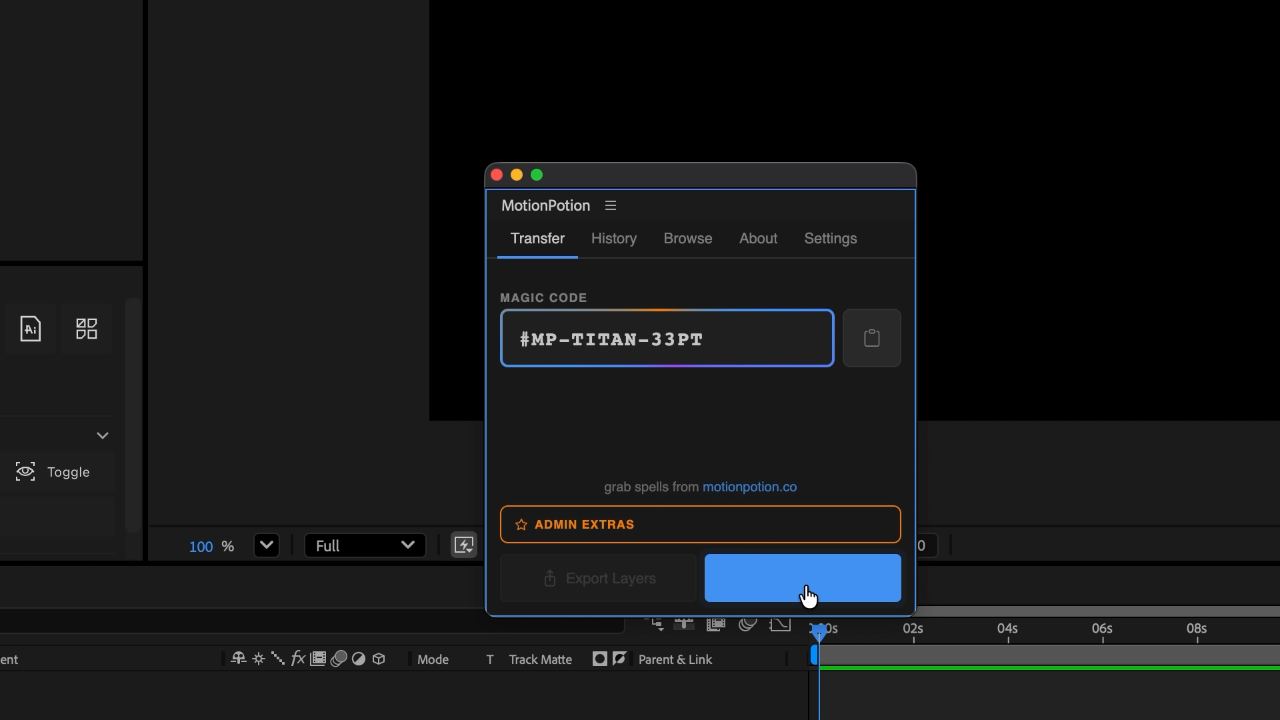
The core plugin: import a finished animation recipe straight into your timeline. Works in After Effects and Figma.
Install →

Visual bezier handles for After Effects easing. Drag to feel the curve. Pick a preset. Stop fighting the graph editor.
Install →
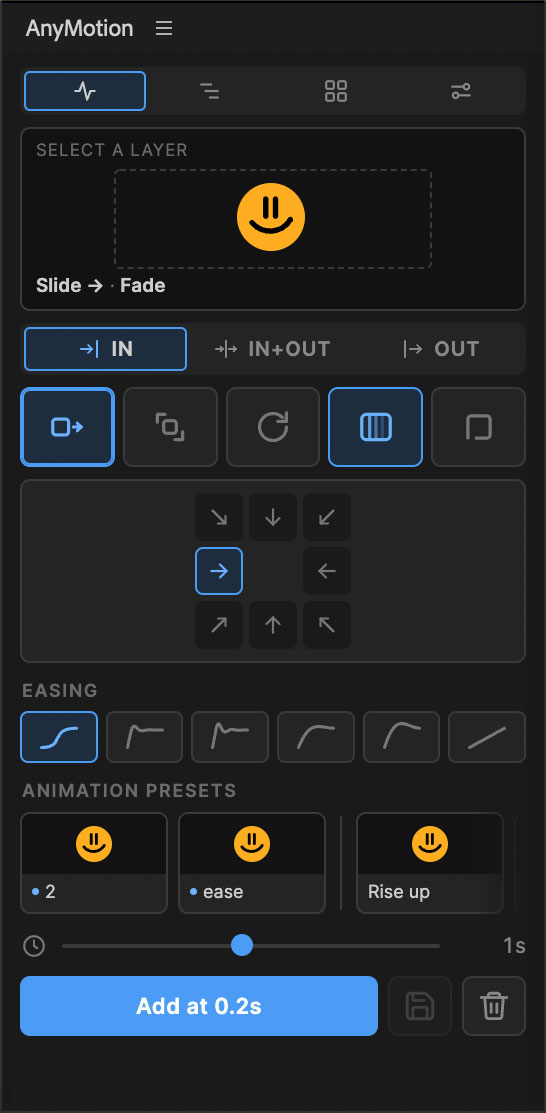
Pick a preset — slide, scale, rotate, fade, or blur. Choose in, out, or both, a direction, an ease. AnyMotion writes the keyframes for you.
Install →
Select layers, set the interval, go. Cascade 200 layers with the same three steps it takes to cascade two.
Install →
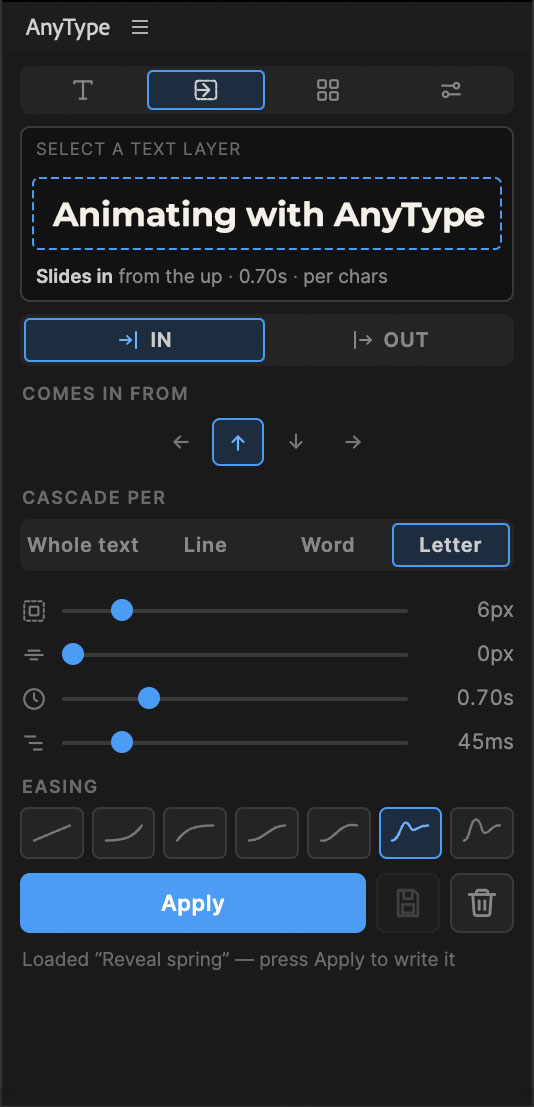
Cascade text in per line, word, or letter. Tune distance, blur, duration, stagger. AnyType writes the animation, you keep the words.
Install →
Click a spot on the 3×3 grid, type an offset, enter. The anchor lands exactly there and the layer doesn't budge. Ships with Anchor Micro — the same tool in a 44px strip, for people who dock everything.
Explore →
Describe a grid in one line of text — columns, baselines, margins, bleed, isometric, hexagons — and Illustrator draws it. Same line on a business card and on a forty-metre wall.
Explore →
Paste straight out of Excel or drop a CSV — get a real, editable table, not a flattened picture of a spreadsheet. Auto-fit columns and rows, two style presets.
Explore →
Reflow a finished composition into Reels, Stories, square and landscape — layers reposition to fit, not just scale down and leave dead space.
Explore →
Shift, trim, distribute, reorder and label keyframes across many layers at once — the batch moves the graph editor makes you do one drag at a time.
Explore →
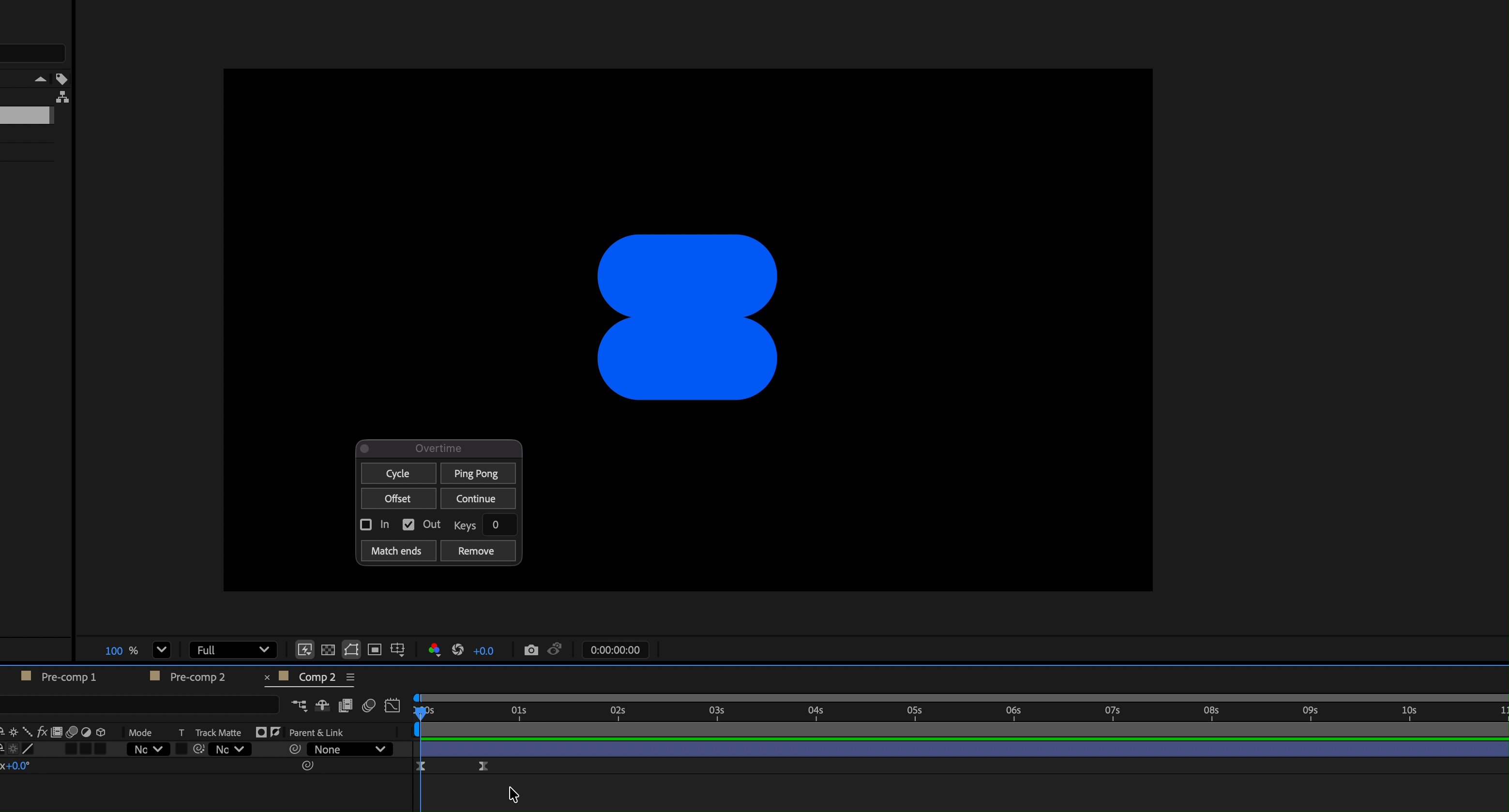
Cycle, ping-pong, offset or continue any property past its last keyframe — one click, no expression typing.
Install →
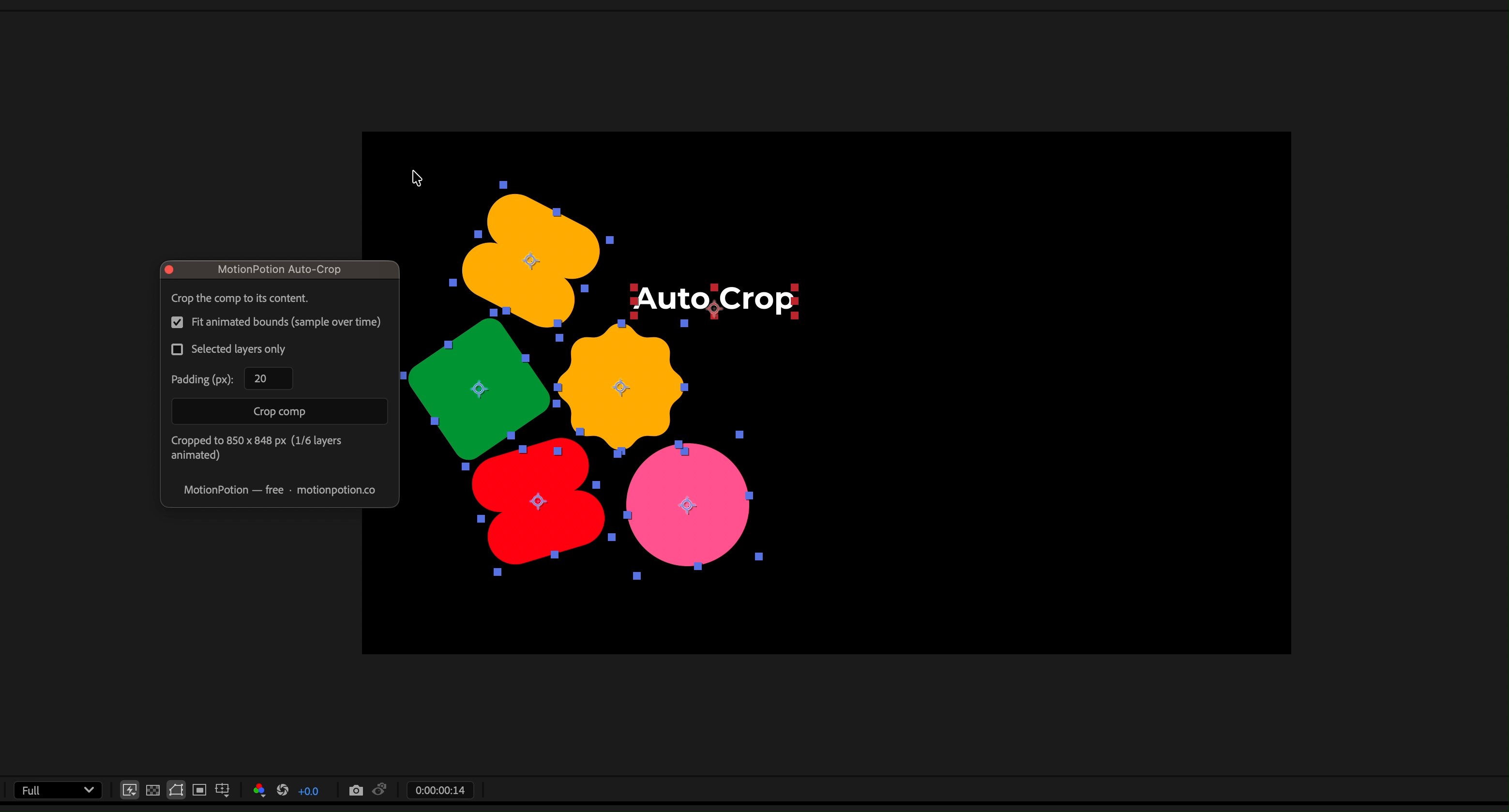
Crops the comp down to its content, measured across the whole animation. Nothing clips halfway through the move.
Install →
Reverse pre-compose. Pulls a precomp's layers back out into the comp you're in, animation intact.
Install →
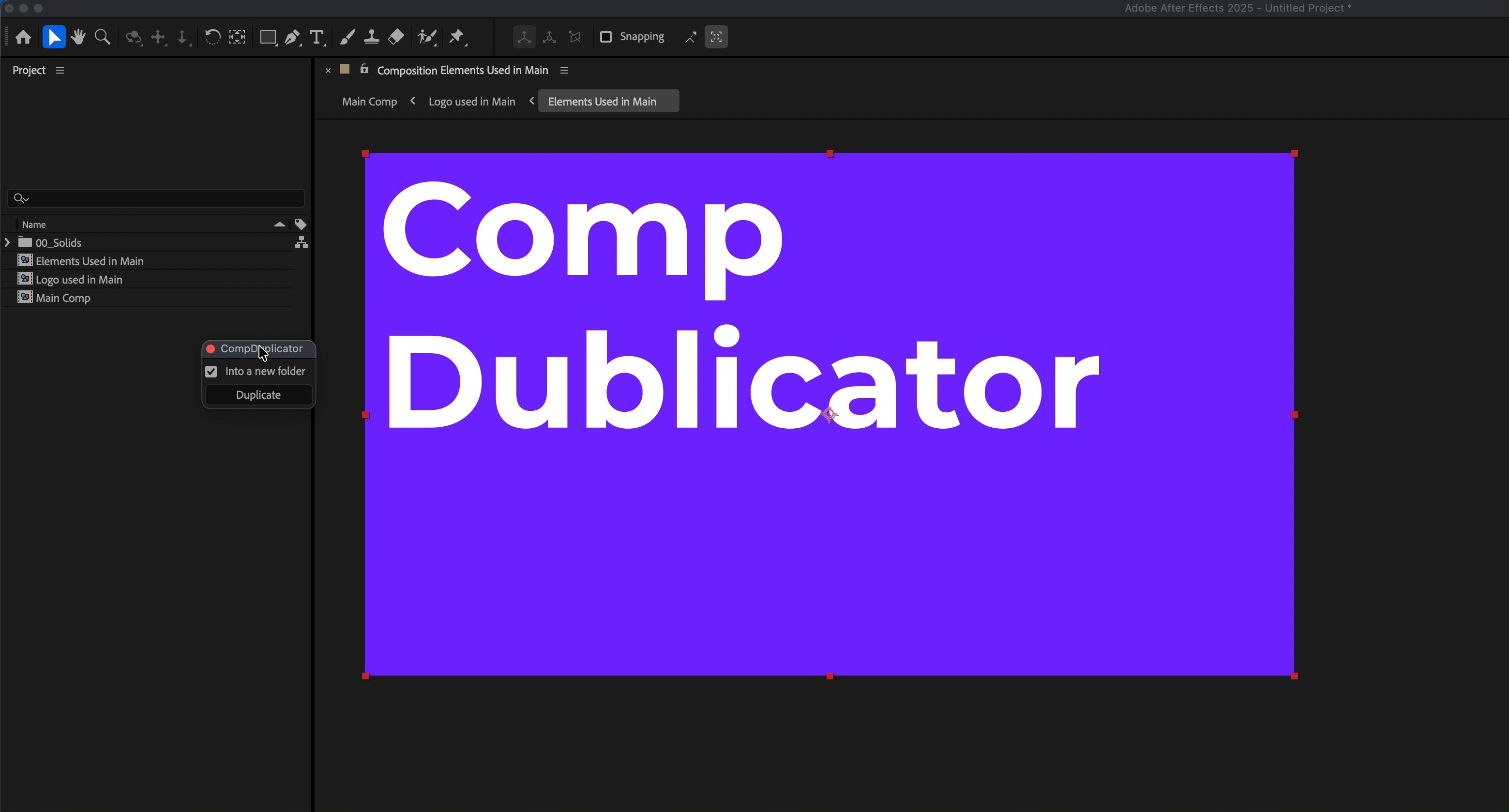
Actually duplicates a comp tree. AE's own Duplicate leaves the nested comps shared — this copies them all and repoints the expressions.
Install →
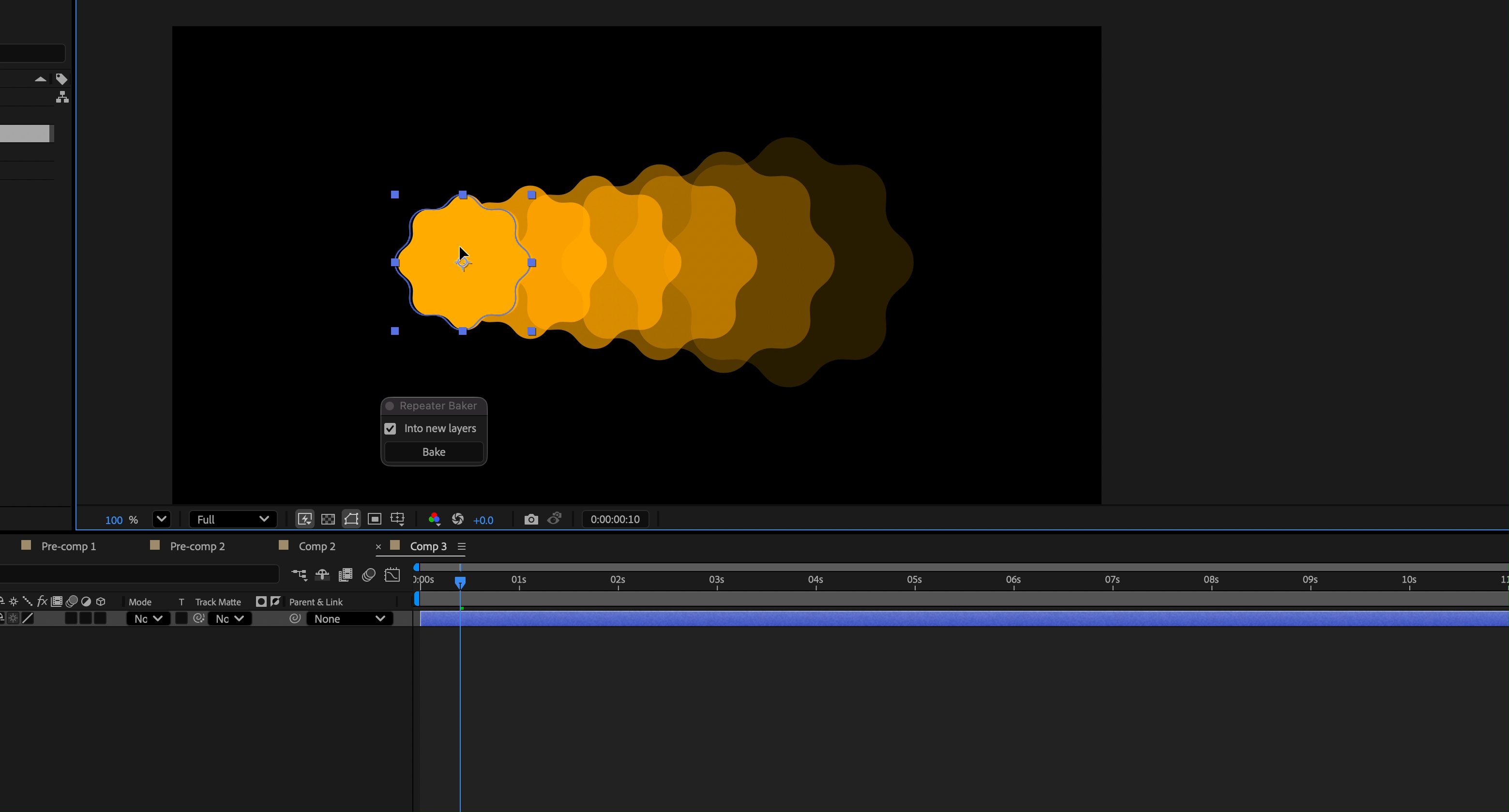
Bakes a shape layer's Repeater into real, separate groups you can edit and animate one by one.
Install →
Whatever we need next
Every tool here started as something that annoyed us on a Tuesday. The next one will too — and it lands in the same subscription, at the same price.
One plan.
All of it.
Wizard is not a base plan with the good tools sold separately. It's the Spellbook of templates plus every utility below — the ones shipping today and the ones still on the stove — for one price that doesn't move when the list grows.
- The Spellbook Live
- MotionPotion Live
- Keyframe Wizard Live
- AnyMotion Live
- LayerGuru Live
- AnyType Live
- Anchor Brewing
- GridGod Brewing
- TableGod Brewing
- LayoutElixir Brewing
- KeyMaestro Brewing